A simple monthly routine to keep family PCs fast: updates, disk cleanup, and basic security hygiene.
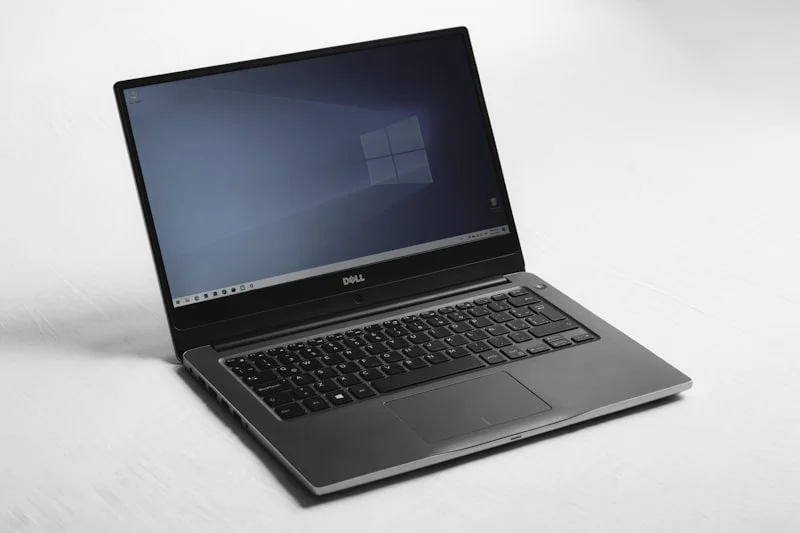
Start every tune-up with Windows Update or macOS Software Update plus key drivers for graphics, Wi-Fi, and chipset. A clean reboot clears memory leaks and fixes a surprising number of slow-PC complaints. Skip third-party optimizers; built-in maintenance tools like Disk Cleanup, Storage Sense, or macOS Storage Management are safer and effective.
Remove bloatware and trim startup apps. Open Task Manager or Activity Monitor and disable anything non-essential from auto-starting. Old OEM utilities, chat clients, and auto-updaters often steal boot time and memory. This improves home PC performance and reduces background CPU usage.
Clean storage: delete temp files, empty recycle bins, and clear browser caches. Aim for at least 20% free space on SSDs to preserve longevity and speed. If you are low, move photos and videos to cloud storage or an external drive, and consider a larger SSD before slowdowns turn into corruption risks.
Security hygiene matters: run a full scan with your primary antivirus, ensure real-time protection is enabled, and keep SmartScreen/Defender or a reputable single AV active (never two at once). Turn on automatic updates for browsers and plugins; browsers are a top target for drive-by malware.
Tidy browsers: remove unused extensions, sign into a profile to sync bookmarks and passwords, and turn on breach alerts or password checkups. If you reuse passwords, adopt a password manager to cut phishing risk and improve identity protection.
Hardware health check: run a SMART check on drives, a quick memory diagnostic if you have random crashes, and physically clean vents and fans. Overheating is a hidden cause of throttling and sudden shutdowns. For laptops, ensure the battery is not swollen and that adapters are the correct wattage.
Backups and family safety: enable File History, Time Machine, or a cloud backup for irreplaceable files. Set parental controls where needed and create non-admin accounts for kids to reduce accidental installs. If you want a professional remote tune-up or ongoing managed home IT, HelpTek can help keep every PC fast and secure.