Channel width, band steering, and a five-minute site check to fix the most common business Wi-Fi pain points.
Start with a fast spectrum check using a Wi-Fi analyzer app to see who else is on channels 1/6/11 for 2.4GHz and DFS channels for 5GHz and 6GHz. If the 2.4GHz band is noisy, steer staff laptops and VoIP handsets to 5GHz or 6GHz and keep guest or IoT devices on a constrained 2.4GHz SSID. This immediately improves office Wi-Fi performance without buying new hardware.
Lock channel widths at 20 or 40 MHz on 2.4GHz and 40 or 80 MHz on 5GHz to reduce retries in congested buildings. Avoid 80 MHz in dense downtown suites where you see multiple neighboring SSIDs; narrower channels with clean airtime beat wide noisy channels. If you run Wi-Fi 6/6E APs, use DFS channels where legal to lower co-channel interference.
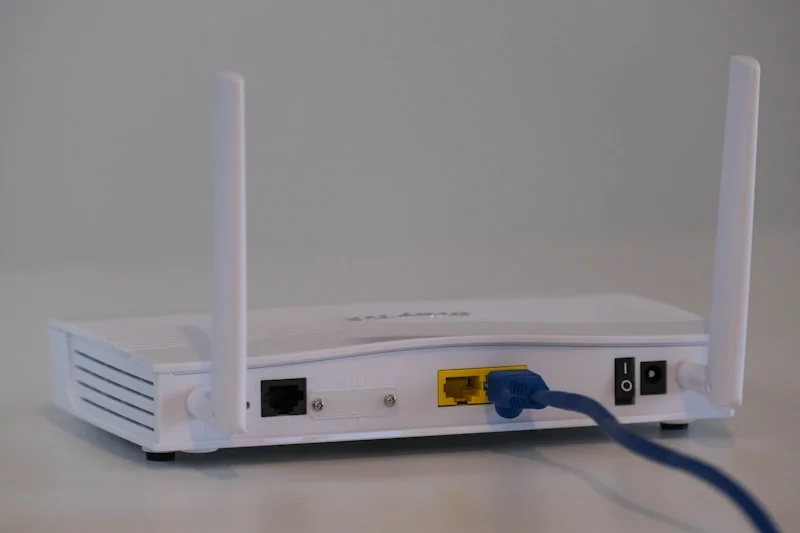
Place access points in the open, above head height, and away from metal racks, elevator shafts, and tinted glass. Ceiling mounts near hallways give more even coverage than closet shelves. If you see dead zones, re-aim APs or add one with reduced transmit power to avoid overlap while closing coverage gaps. A simple site walk with a signal map app can spot shadows quickly.
Segment your network with VLANs: a staff SSID with strong WPA3, a guest SSID with client isolation, and a separate IoT SSID with strict egress rules. Apply bandwidth limits on the guest VLAN so streaming devices do not starve business traffic. This small-business network segmentation step improves security and keeps business apps responsive.
Tune roaming so devices move cleanly between APs: lower 2.4GHz transmit power to shrink sticky cells, enable 802.11k/v/r where supported, and target about 15-20 dB separation between overlapping cells. For Wi-Fi phones or Teams/Zoom calls, good roaming is the difference between smooth handoff and choppy audio.
Keep firmware current and document changes. Schedule a monthly maintenance window to update APs, controller, and gateway, then reboot cleanly. Many SMB outages are stale firmware or memory leaks. Log what you changed so you can roll back quickly if a driver update introduces instability.
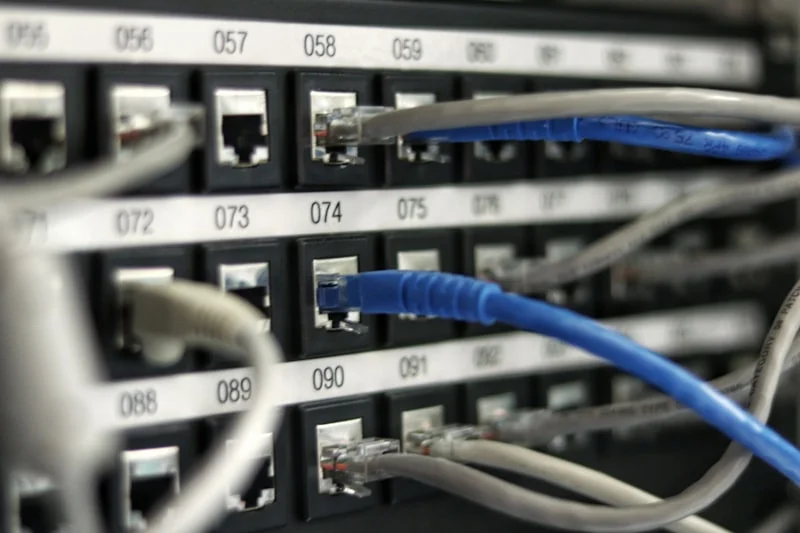
If you still see latency spikes, check cabling, PoE budgets, and switch QoS. Ensure AP uplinks are at gigabit or better, prioritize voice/video, and verify your ISP modem is in bridge mode to avoid double NAT. For tricky sites, HelpTek can design, deploy, and manage business Wi-Fi so your team stays productive.